
Write a File Using the FTP Connector Example
Anypoint Connector for FTP (FTP Connector) provides a Write operation that writes content into the given path on demand.
Configure the Write Operation in Studio
To add and configure the Write operation in Studio, follow these steps:
-
In the Mule Palette view, search for
ftpand select Write. -
Drag the Write operation onto the Studio canvas.
-
In the General tab of the operation configuration screen, click the plus sign (+) next to Connector configuration to access the global element configuration fields.
-
Specify the connection information and click OK.
-
In the General tab, set Path to
output.csvto set the path of the file to write. By default, the connector writes whatever is in the message payload.
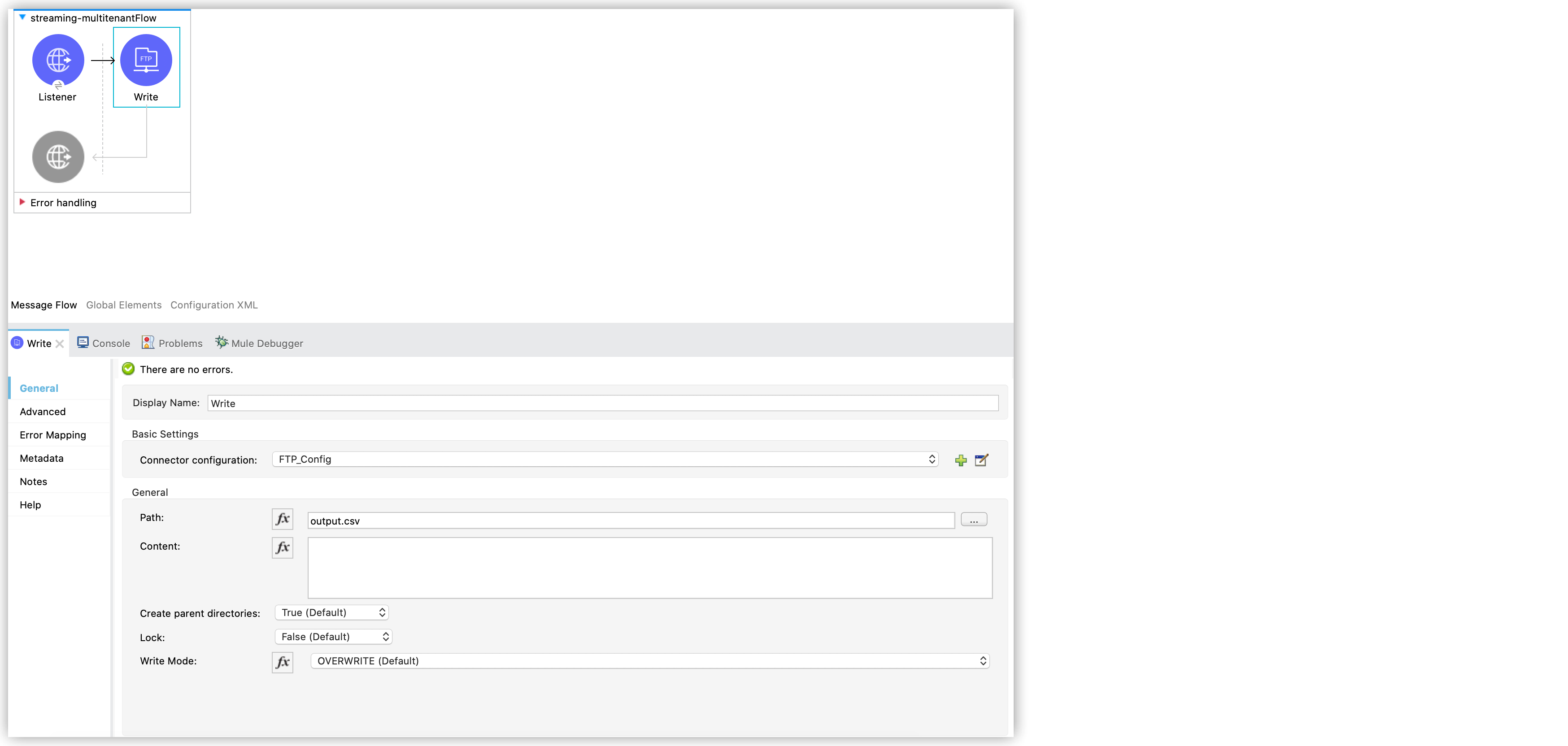
In the Configuration XML editor, the <ftp:write> configuration looks like this:
<ftp:write path="output.csv" />Use Embedded DataWeave Transformations
If you place a Transform Message component before a Write operation, the message payload changes, and that impacts the operation that is placed after the Write operation. Therefore, if the payload is in a different format and you need to transform it before writing it, you can place the transformation inside Content in the Write configuration to generate the content to be written without affecting the message in transit.
The following example places the DataWeave transformation in Content:
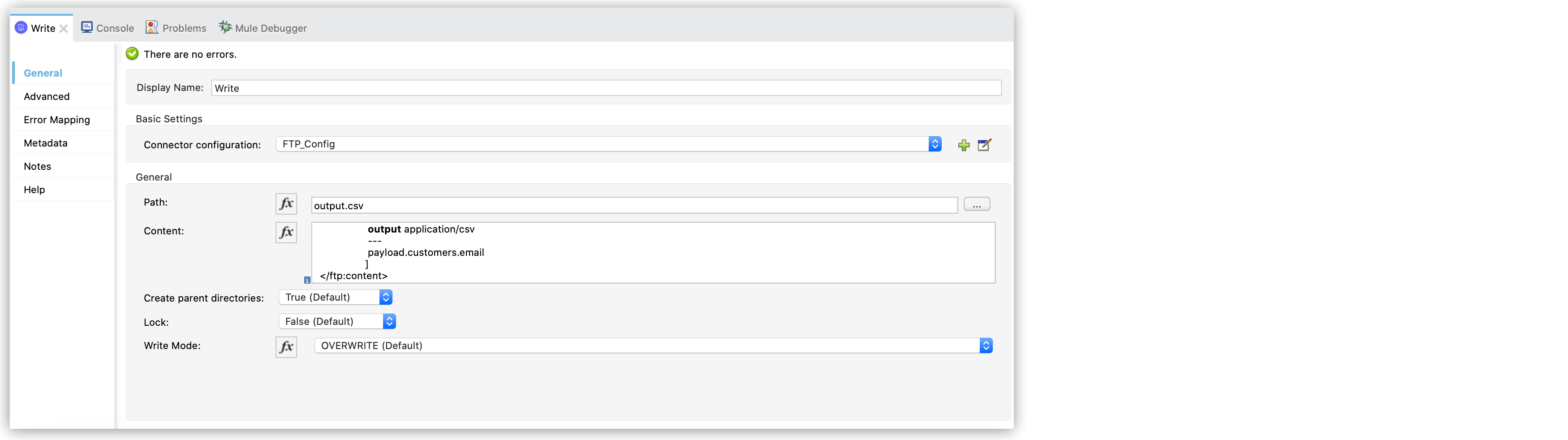
In the Configuration XML editor, the configuration looks like this:
<ftp:write path="output.csv">
  <ftp:content>#[%dw 2.0
                   output application/csv
                   ---
                   payload.customers.email
                  ]
  </ftp:content>
</ftp:write>
Write into a Directory
The Write operation fails by default if you set nonexistent directories in Path. Set Create parent directories to True (Default) to automatically create any missing directories.
In the following example, if any of the a, b, or c directories set in Path do not exist, the connector creates them:
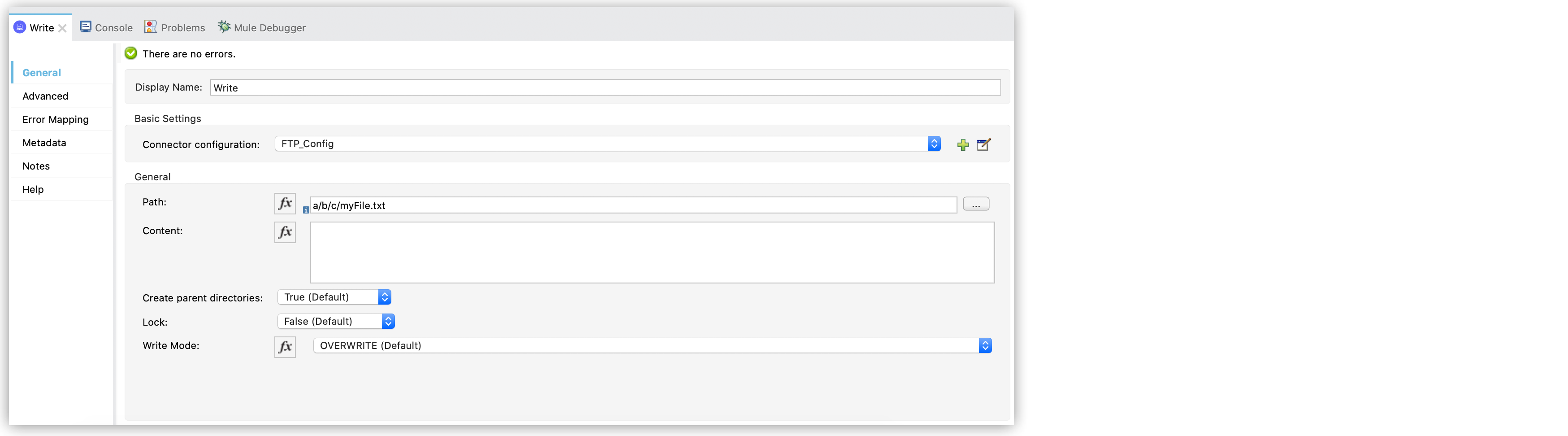
In the Configuration XML editor, the configuration looks like this:
<ftp:write path="a/b/c/myFile.txt" />Write to Existing Files
When writing content to a file, set Write Mode to any of the following modes:
-
OVERWRITE (Default)
If the file exists, overwrite it completely. -
APPEND
If the file exists, add its content to the end of an existing file. -
CREATE_NEW
Create a new file. An error occurs if the file already exists.
Locks
The Write operation supports locking similar to the Read operation. The main difference is that the lock releases automatically after the Write operation finishes. Set Lock to either of the following modes:
-
TRUE
-
FALSE (Default)