
Activity Tags
Use Activity Tags to categorize the activities in the Activity Library, which enables you to manage the activities, arrange them more efficiently, and subsequently find them more easily using the search function in the Activity Library Explorer.
Create Activity Tags
To create new Activity Tags:
-
In the Activity Library toolbar, click (
 ) Manage Activity Tags.
 -
Click Create New Activity Tag.
-
Provide a descriptive name for the tag and click OK.
The name of the tag must be unique.
| If you delete tags, they are removed automatically from all assignments. |
Assign an Activity Tag
After you create tags, you can assign them to a workflow when you upload the workflow to the Activity Library by using the Activity Tags tab.
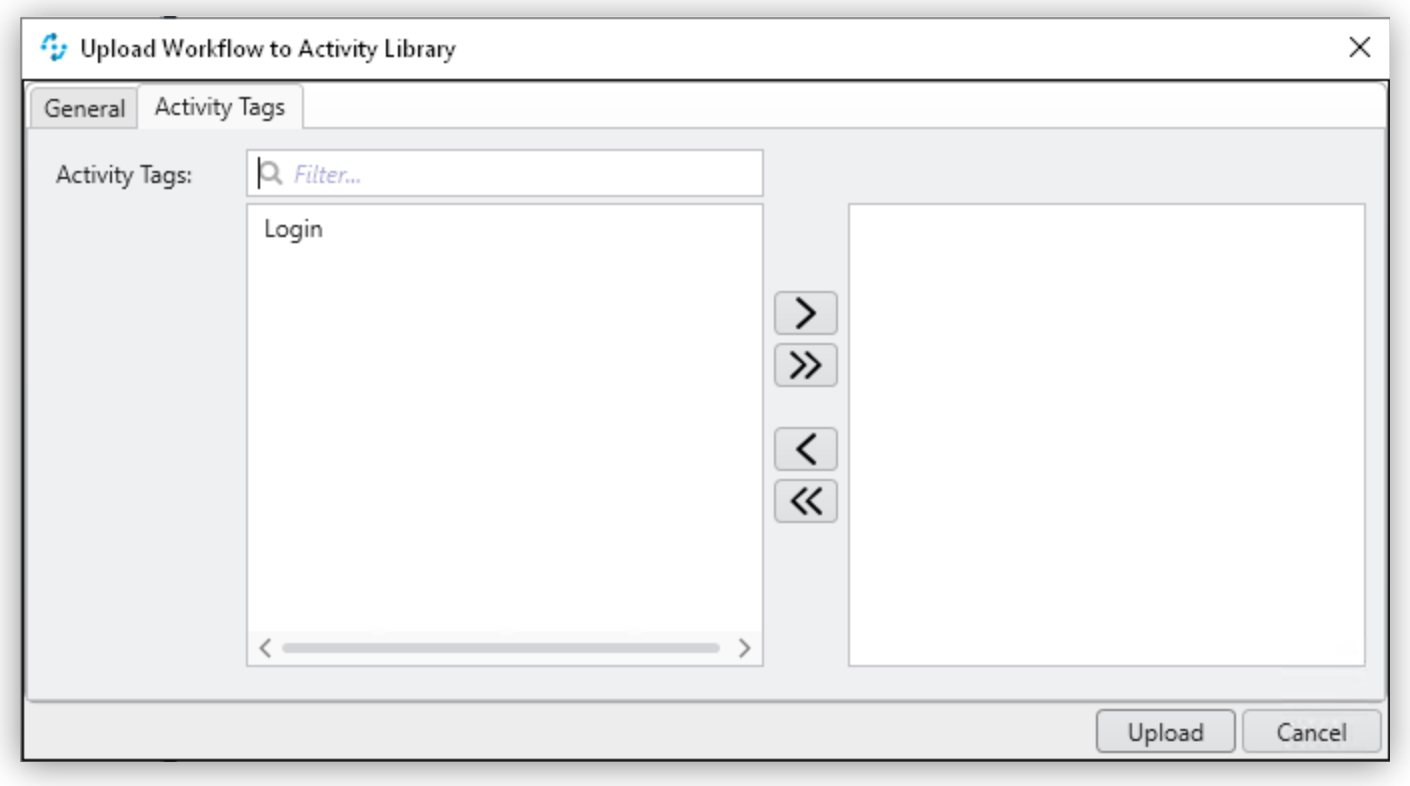
Select an Activity tag and click ( ) to add it to the workflow, or click (
 ) to remove the tag from the workflow.
Use ( ) to add all tags to the workflow or (
 ) to remove all tags from the workflow.