
Connect the Java Debugger in Anypoint Studio
Studio disconnects the Java debugger by default. Connect it in the Studio preferences if you need to debug Java code in your Mule project.
-
Open the preferences view in the manner appropriate to your OS:
-
In macOS, either navigate to Anypoint Studio > Preferences… or press
cmd + ,. -
In Windows and Linux, navigate to Window > Preferences….
-
-
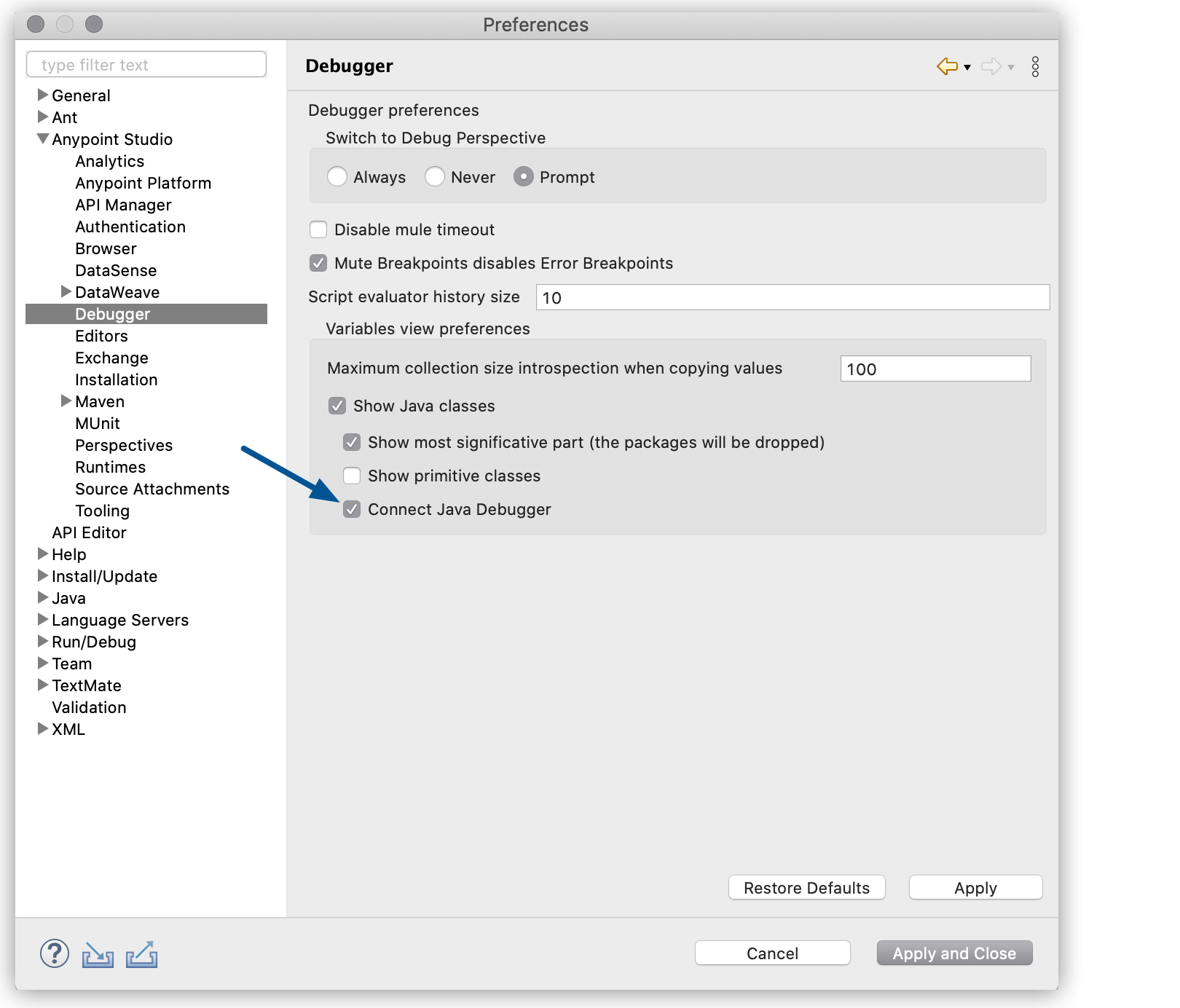
Expand Anypoint Studio in the left navigation bar, and select Debugger,
-
Select Connect Java Debugger.
-
Select Apply and Close.
Note that connecting the Java debugger in Studio can cause performance degradation in your subsequent redeployments.