
Download and Install Anypoint Studio (OS X)
-
Download the Anypoint Studio installation file from the Download Site.
-
Extract the Anypoint Studio package and move it to your
/Applicationsdirectory. -
Open the extracted Anypoint Studio.
-
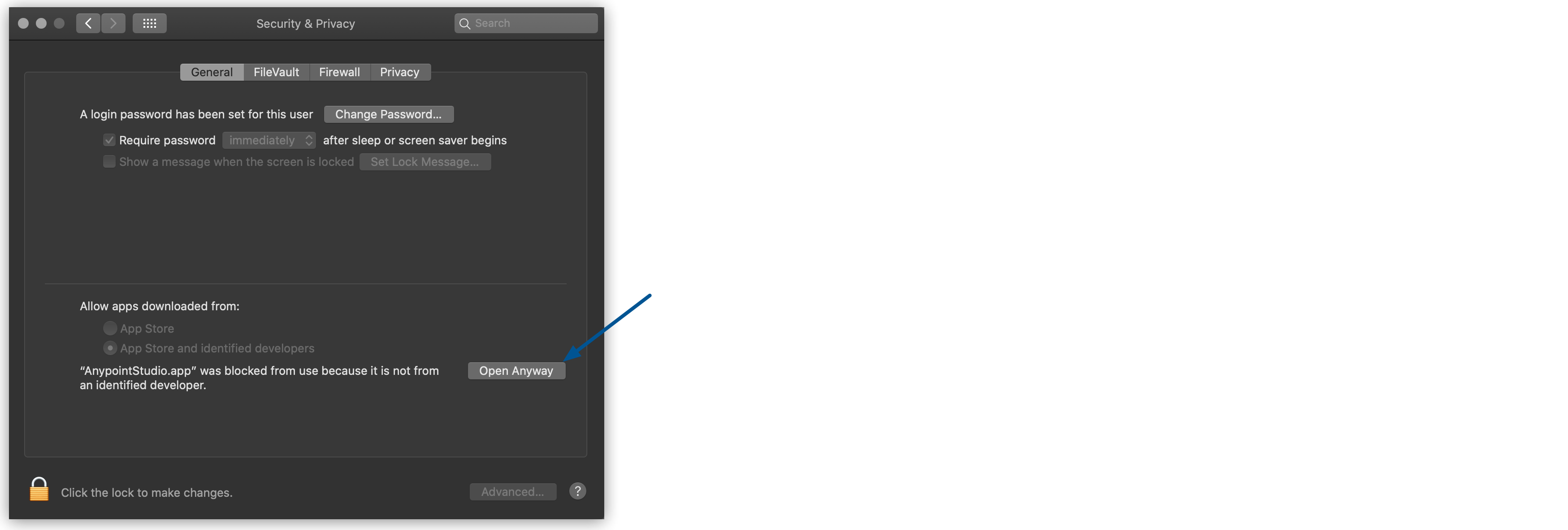
It is possible that Gatekeeper flags Studio as an unsafe application:

-
To open Studio, navigate to System Preferences > Security and Privacy and in the General tab select Open Anyway:
-
-
Click OK to accept the default workspace.
-
You must Use an absolute path when defining your workspace because Anypoint Studio does not expand the
~tilde used in Unix and Linux systems.-
If you choose to use an existing workspace, the workspace must be created with Studio 7.0 or later.
-
-