
Downloading Archived Log Data

Download archived log data (raw data) collected by Anypoint Monitoring on Mule apps that are running in hybrid, CloudHub, or Runtime Fabric deployments. This data is helpful for security, compliance, or other purposes when you need to examine or collect your warehoused data.
Log data is archived regularly.
Download Raw Log Data
-
Log in to Anypoint Platform with a user account that has permission to access Anypoint Monitoring content.
-
Navigate to Anypoint Monitoring:
Click Monitoring from the Anypoint Platform home page or from the Runtimes menu in the header.
-
In the sidebar, click Raw Data.
-
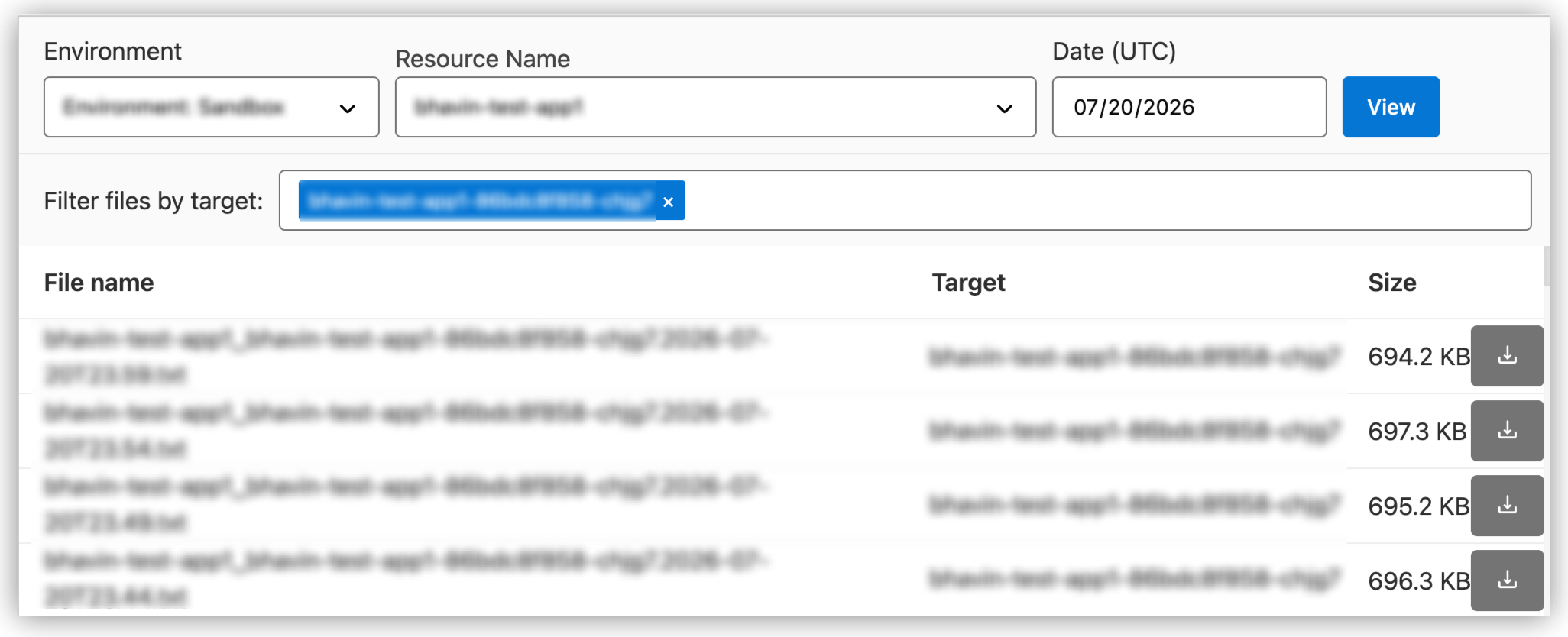
Select the Environment and Resource.
-
Provide the date for the data you want to download, for example:
07/31/2026. -
Locate and download log data that you want to examine.
Troubleshoot
These factors impact the availability of data on the selected date:
-
The app must be connected and running.
-
Your subscription must support this feature.