Change the Target Output of a Transformation (Anypoint Studio)
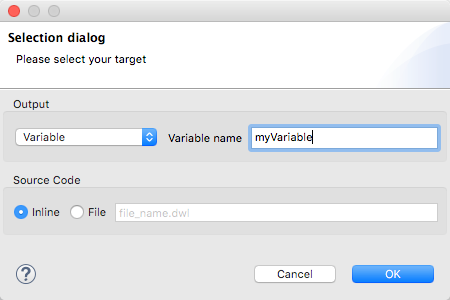
By default, the Transform Message component outputs to the message payload. You can change this target, so that the result of your transformation populates another part of the output such as a property or variable.
-
Click Edit Current Target above the DataWeave code editor.

-
Specify where in the output Mule message to place the result of your DataWeave transform. In case you’re creating a new variable or property, you must also set a name for it.